
VeilFrame — Screen Share Privacy
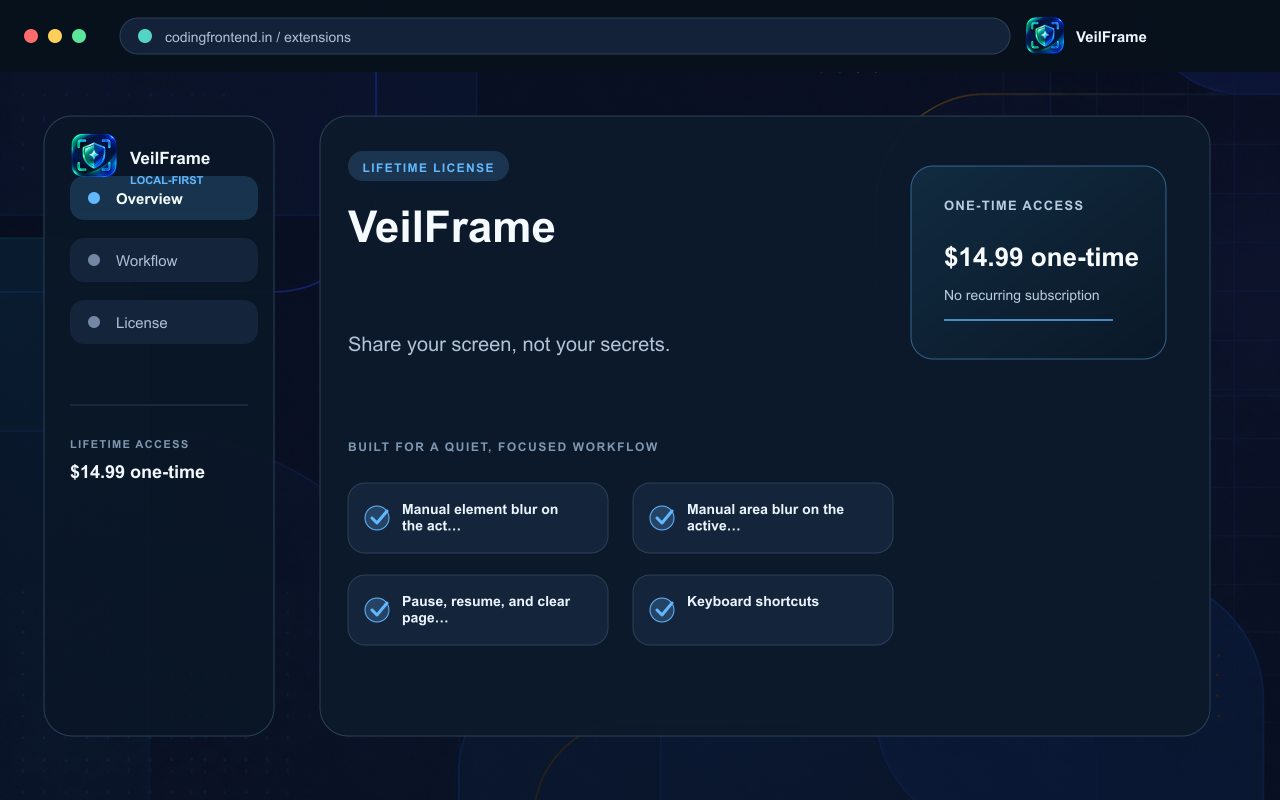
Share your screen, not your secrets.
Blur or cover sensitive webpage regions before screen sharing, demos, recordings, support calls, and screenshots. Manual masking is free and local; Lifetime Pro adds saved site masks, automatic local detection, privacy profiles, and additional mask styles.

Local-first, lifetime license
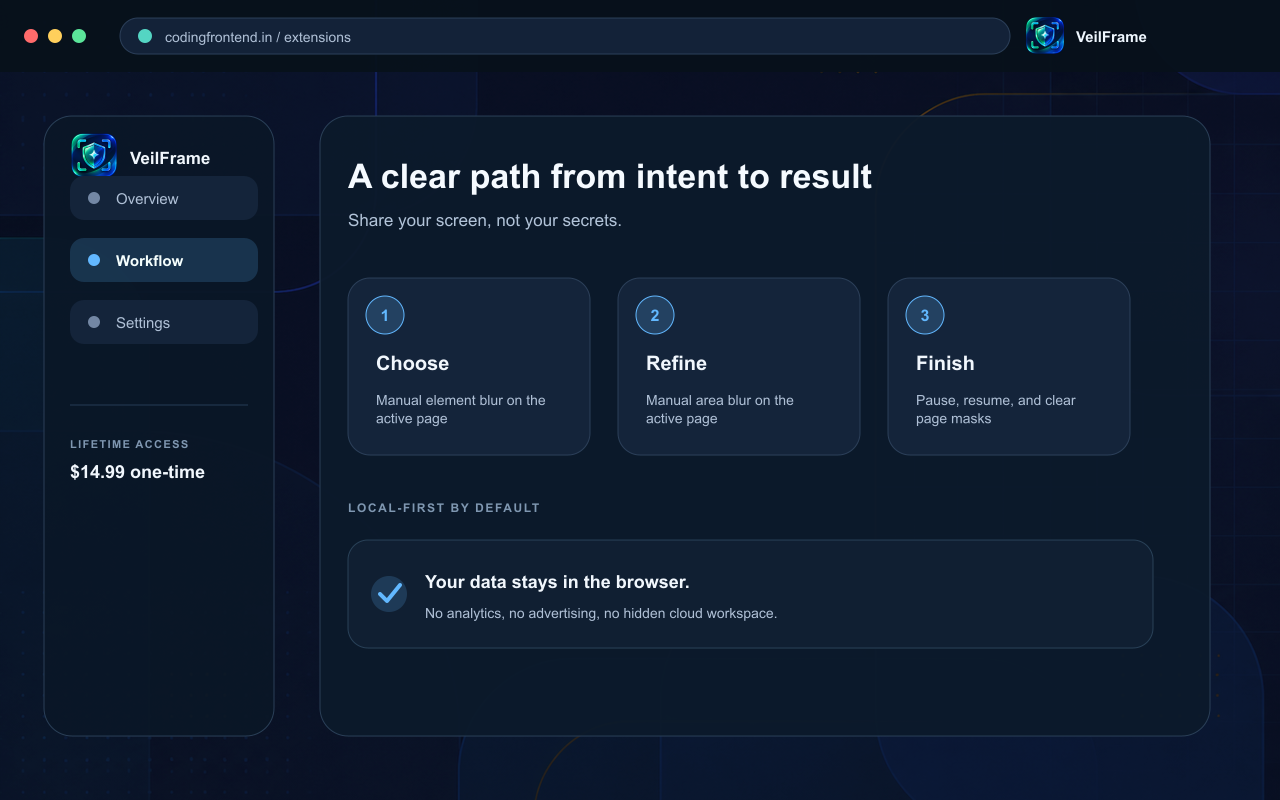
Manual element blur on the active page
Manual area blur on the active page
Pause, resume, and clear page masks
Keyboard shortcuts
Local processing with no page-content transmission
Saved per-site masks
Automatic local detection of common sensitive fields
Credential, Meeting, Forms, and Full Demo privacy profiles
Solid, Pixelate, and Blackout mask styles
Automatic reapplication after reload and SPA navigation
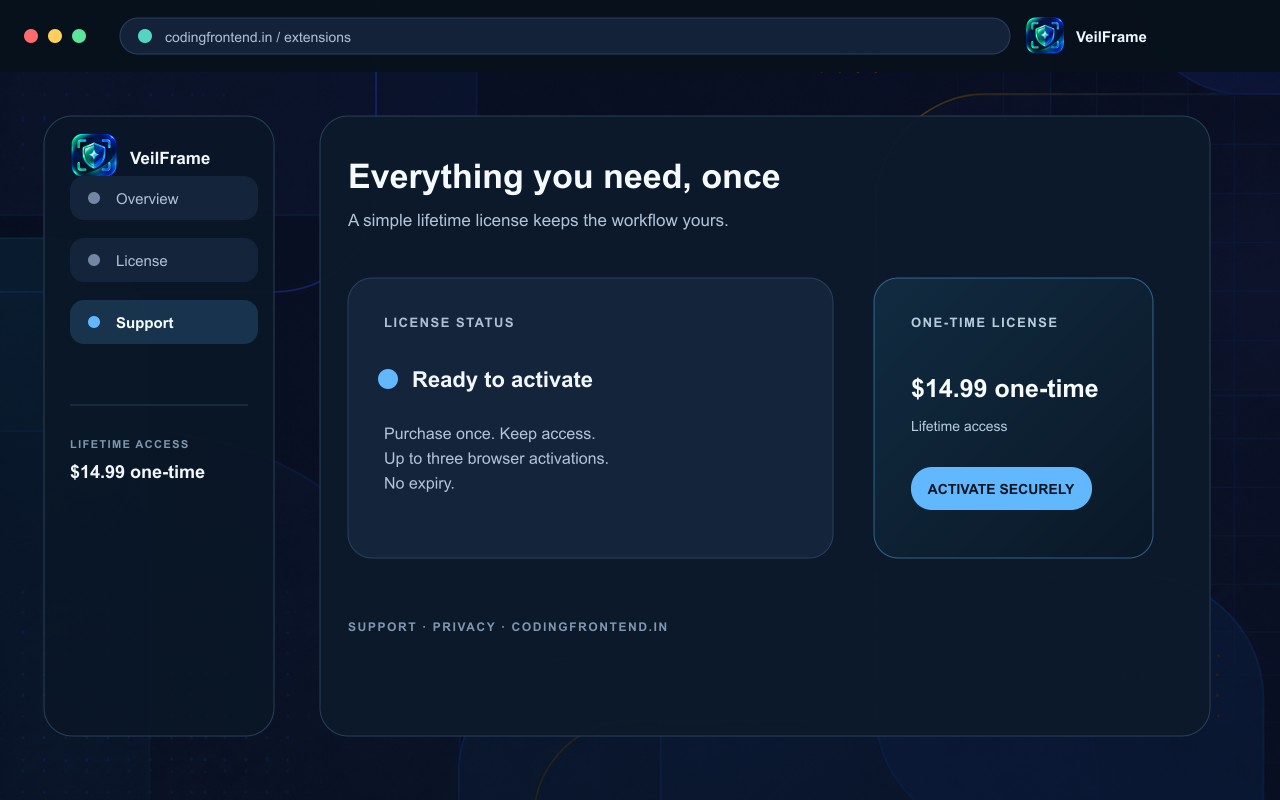
Up to three personal Chrome activations
Lifetime entitlement with no recurring subscription
Product preview
See VeilFrame — Screen Share Privacy in action
Current release artwork showing the main workflow, key features, and lifetime-license experience.